 Modu Viewer
Comics, novels and documents in one app.
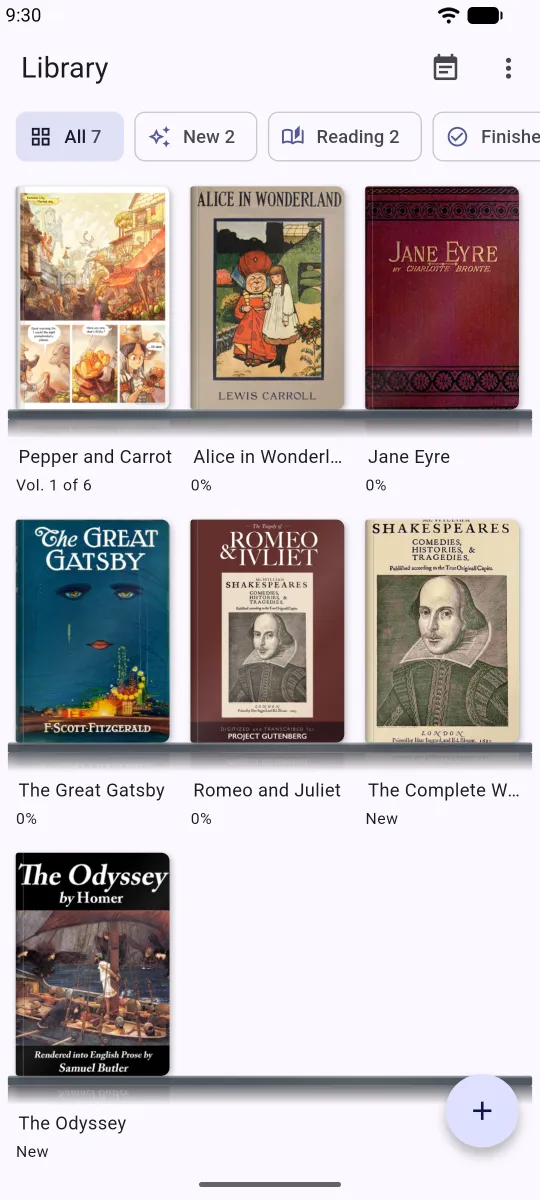
Gather the book files on your phone, your tablet and Google Drive onto one shelf and read them like paper books. No sign-up: open the app and start reading.
Every format on one shelf
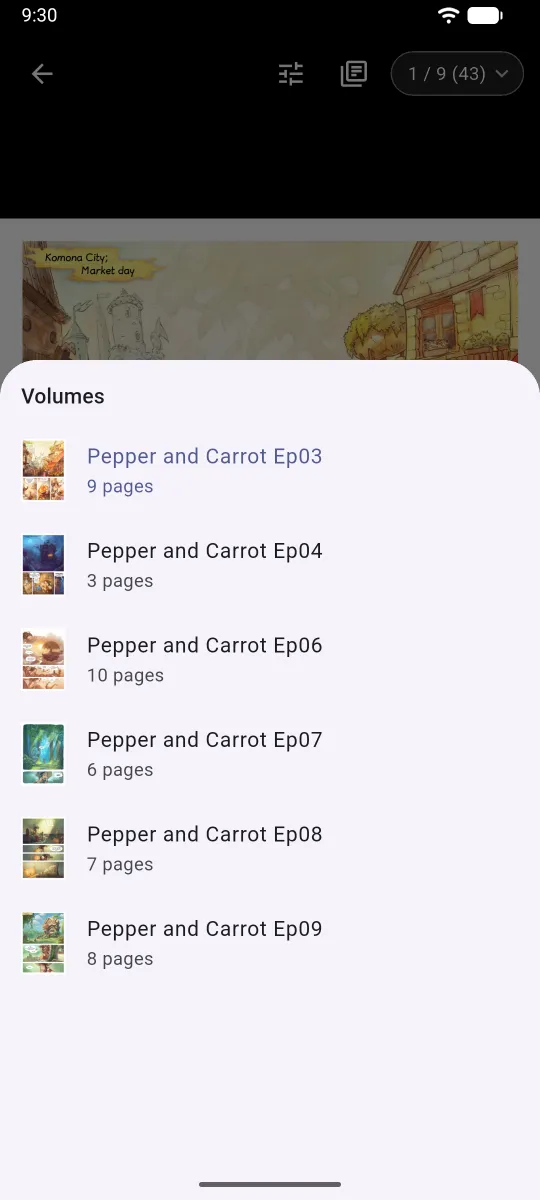
Comics in ZIP, CBZ, RAR, CBR, 7z, CB7, PDF, pictures and comic EPUB; novels and documents in TXT, EPUB, PDF, DOCX, DOC, HWP, HWPX, MD and HTML. Archives open without unpacking, and an archive holding many volumes is split into volumes. Old Japanese, Chinese and Korean text files are read in their own encodings.
Pages that turn like paper
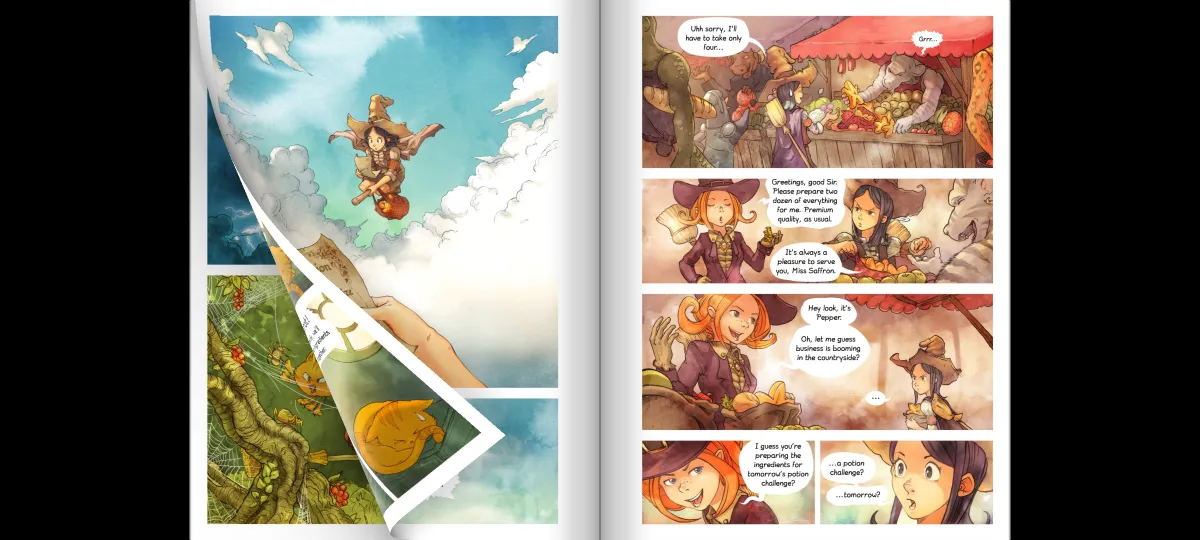
Turn the page with your finger, in comics and novels alike. In landscape and on tablets you get two-page spreads like a real book, and pages scanned two to a sheet are split into halves. Right-to-left or left-to-right is set per book.
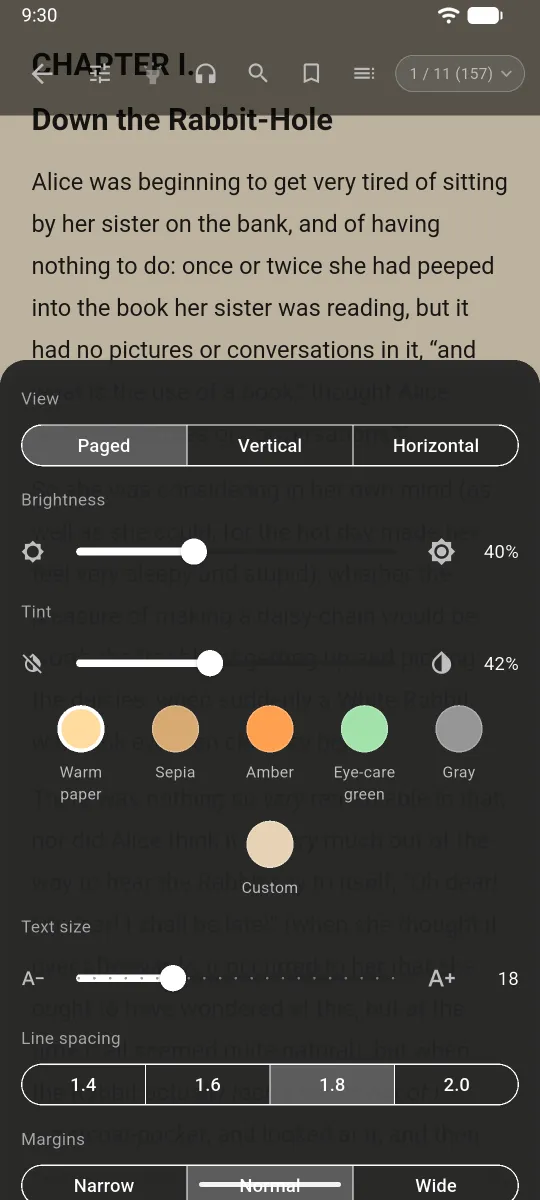
A comfortable reader for novels
Choose page turning, vertical scroll or horizontal scroll, and read Korean, Japanese and Chinese books in vertical writing. Adjust font size, line spacing, margins, paper color and brightness. Contents, search, bookmarks and highlights are built in, and a TXT novel gets a table of contents from its chapters.
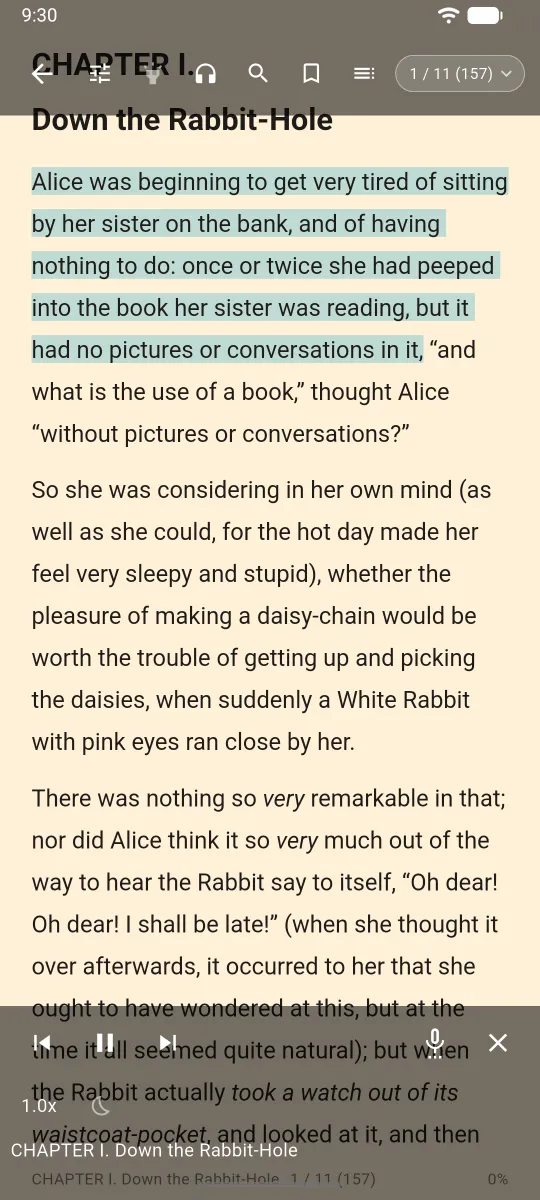
Listen while you read
The sentence being read is highlighted, and the page turns for you. Playback keeps going with the screen off, with controls on the lock screen. Set a sleep timer and choose the language and voice.
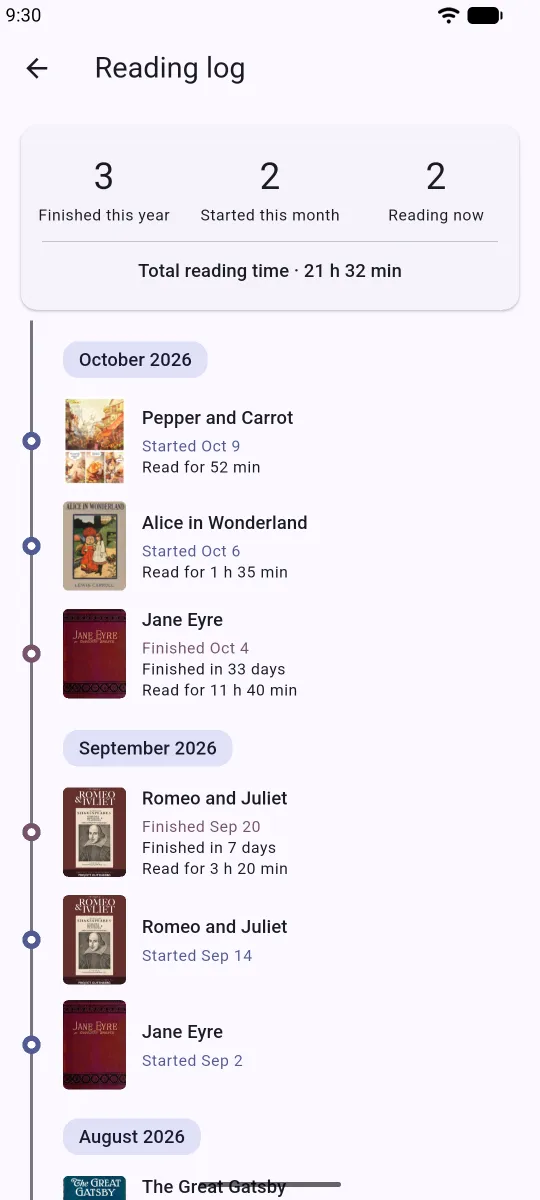
Series and your reading record
Merge books into a series or split volumes off, and sort your shelf into reading, newly added, finished and your own collections. Pick up right where you stopped. Start and finish dates and the time you actually spent reading appear on a monthly timeline.
Import from Google Drive
Bring the files you choose on Drive straight to your shelf, with pause and resume. The app only sees the files you pick.
Comics in the screenshots: Pepper&Carrot by David Revoy (CC BY 4.0). Books: Project Gutenberg.
Processed on your device
Stays on your device
- Your book files and library: titles, covers, reading positions, bookmarks and reading settings
- App settings such as read-aloud, brightness and view mode
- Your Google Drive sign-in, encrypted in the device's secure storage
Leaves your device
- Usage statistics and crash reports (Google Firebase): app usage events, an app instance ID and device details such as model and OS version. No name, email or other identifying details, and no book titles, file names or file contents. One exception: when you listen to a Korean book with natural reading, English words missing from the pronunciation dictionary are sent one word at a time, without the sentence.
- Google Drive (optional): the app talks to Google only to sign you in and to download the files you pick.
- Backups (optional): a backup you export is saved only where you choose, and the developer cannot access it.
- Natural voice (optional): the voice model is downloaded from Hugging Face servers. Only what the connection needs, such as your IP address, reaches them; your books and personal data never do.
- Error logs (optional): when a file cannot be imported, a log reaches the developer only if you send it yourself from your mail app.
Get the app
Modu Viewer
Coming soon